01
Pivot Skeleton
Connect the rig you already have.
Use existing Group pivots, review the links, and add only the endpoints the model needs.
Creator Glove beta
Available now
Pose the model. Keep the keys.
Rig and pose
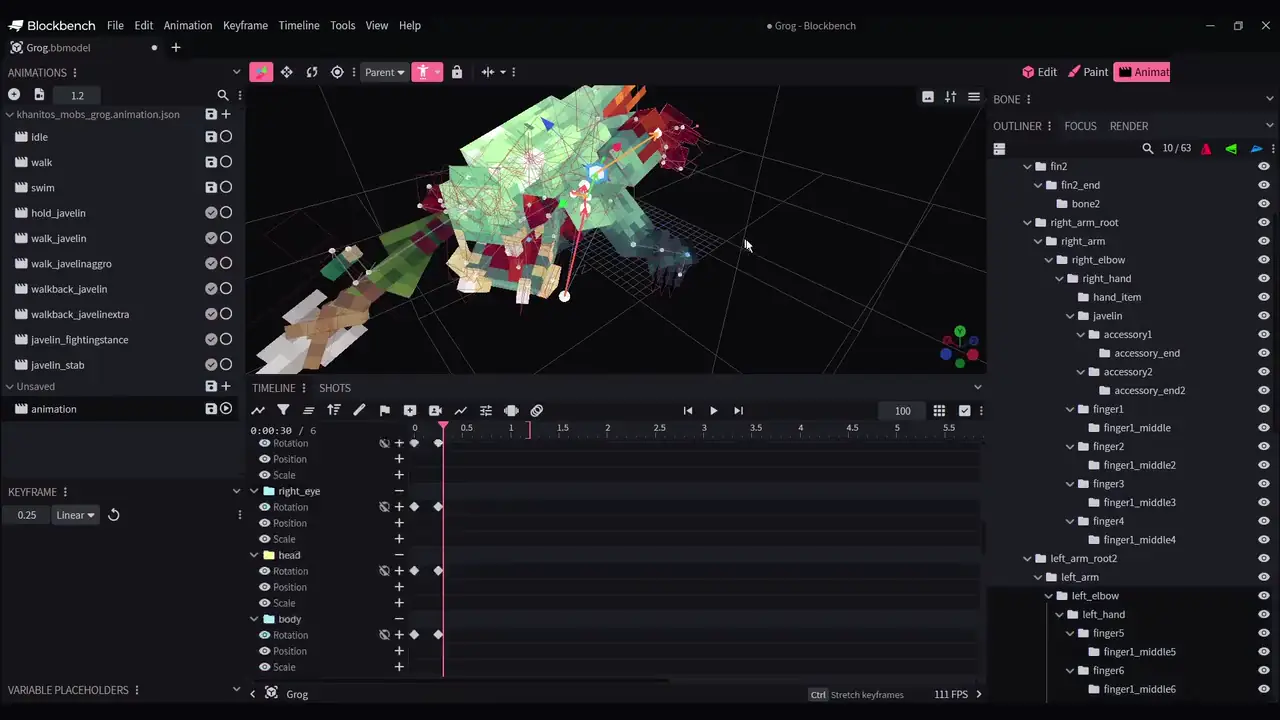
Existing Group pivots stay in charge. Motion Lab adds viewport controls, then writes back to the native animation.
Pivot Skeleton
Use existing Group pivots, review the links, and add only the endpoints the model needs.
Ground Contacts
Choose the hands or feet that should stay above their setup height while the body moves.
Pivot Focus
Select a connected pivot and bring its Motion Lab control into focus before posing.
Two-Bone IK
Move a configured hand or foot endpoint while Motion Lab solves the connected two-part limb.
Timing and finish
Shape timing, add reactions, and inspect neighboring poses while the result stays editable.
Secondary Motion
Preview cape, hair, cloth, tail, or chain motion, then bake ordinary rotation keys when it feels right.
Curve Editing
Set the motion between authored poses with native curves and adjustable easing strength.
Motion Modifiers
Layer recoil, overlap, follow-through, or settling onto the selected motion without replacing the whole animation.
Pose Ghosts
Compare earlier and later silhouettes in the viewport without adding anything to the exported model.
Finished motion
Authored poses, Bezier timing, and a recoil modifier in one final looping pass.
Native result
Use the Group pivots already in the model.
Pose and shape motion in the viewport and timeline.
Continue with ordinary editable Blockbench keys.
Included with Creator Glove
Motion Lab is available in beta. Onboarding, project-format coverage, and edge-case rig support are still improving.