
01
Build Block
Draw the volume.
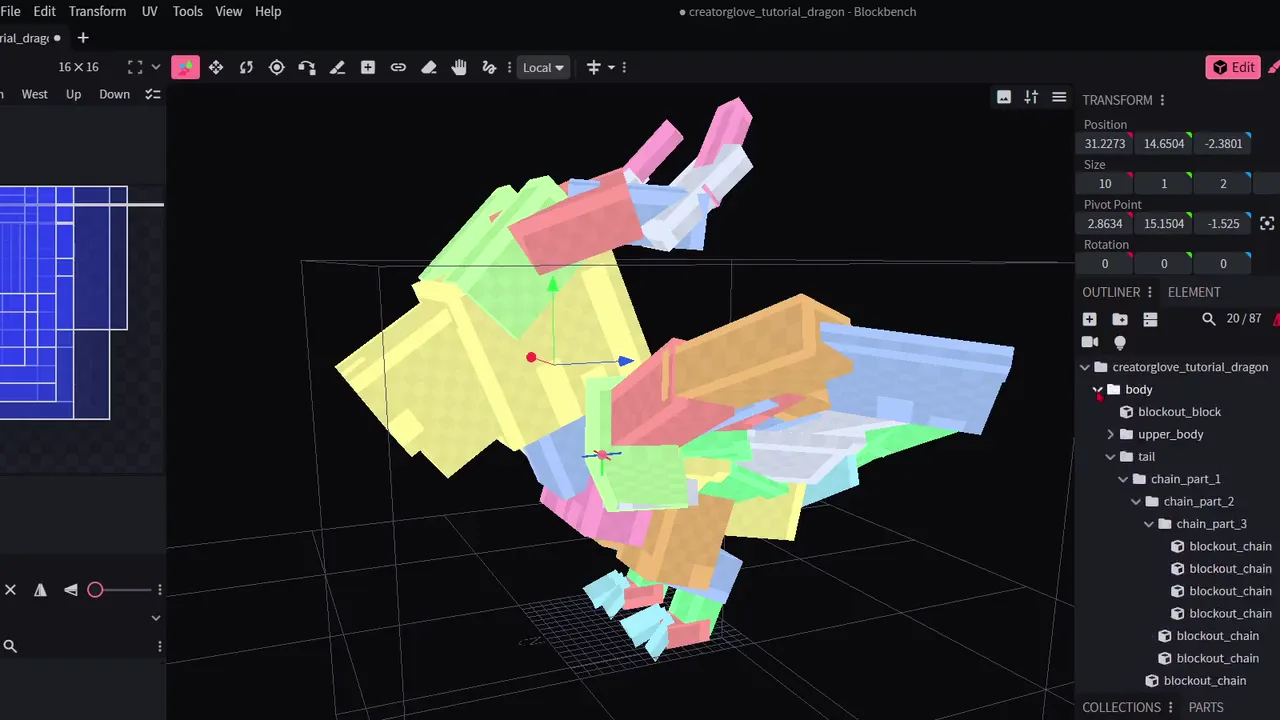
Pull new forms straight from the model. Scroll for depth, then keep moving.
Creator Glove beta
Available now
Shape the idea before the detail.
Built for the first pass
Four tools. One continuous blockout.
Build Block
Pull new forms straight from the model. Scroll for depth, then keep moving.
Chains
Place a path, add points, and tune the taper before committing the geometry.
Grab
Push a connected form into place without rebuilding every cube by hand.
Parts
Turn a finished wing, horn, or limb into a reusable part for the other side.
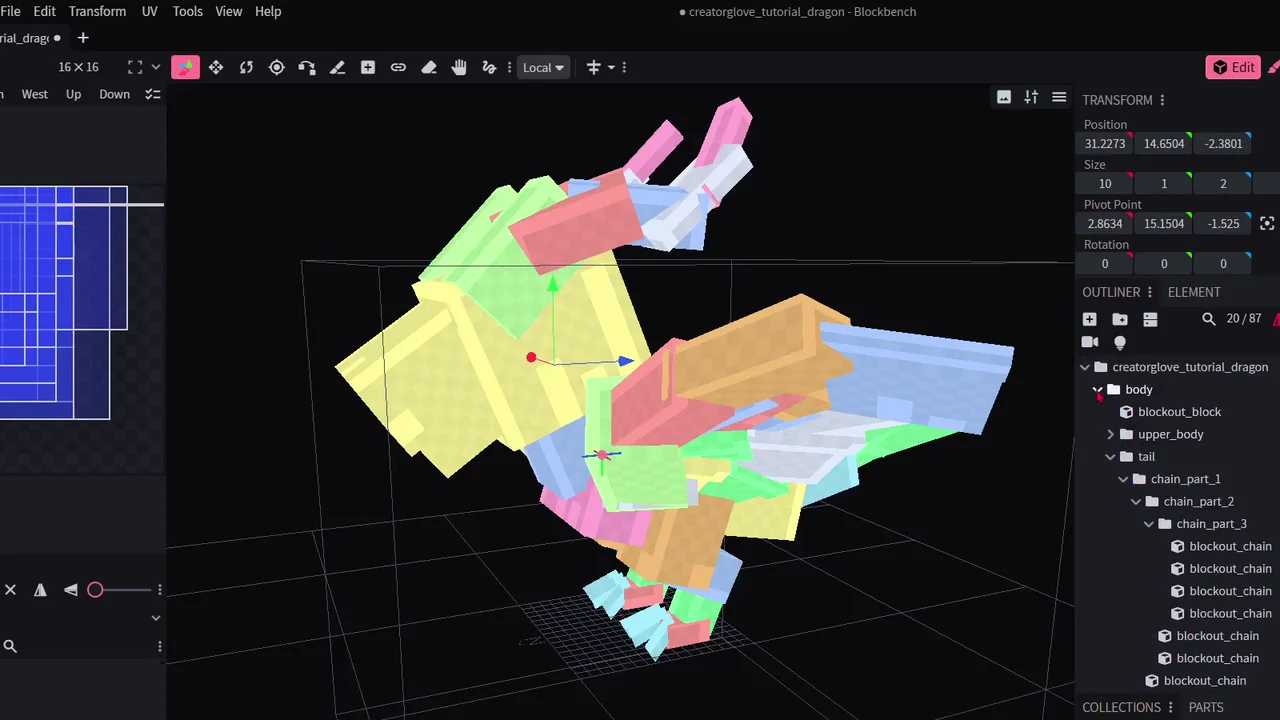
Ordinary Blockbench output
Find the silhouette
Direct curves and taper
Mirror finished pieces
Leave a clean hierarchy
Guided first project
Included in beta
Build, shape, mirror, and rig one complete model inside the walkthrough.
Open the walkthroughCurrent status