
Blockout Canvas
Available nowBlockout Dragon walkthrough
A guided first model with adaptive viewport targets and real tool checks.
Complete the seven-chapter in-app walkthrough and build a small rig-ready dragon.
8 min read
01
Open the guided project
- 1
Launch the walkthrough
The guide opens its own blank Blockbench project and does not replace your current model.
Tools > Creator Glove > Blockout Canvas > Open Blockout Dragon Walkthrough
- 2
Follow the live target
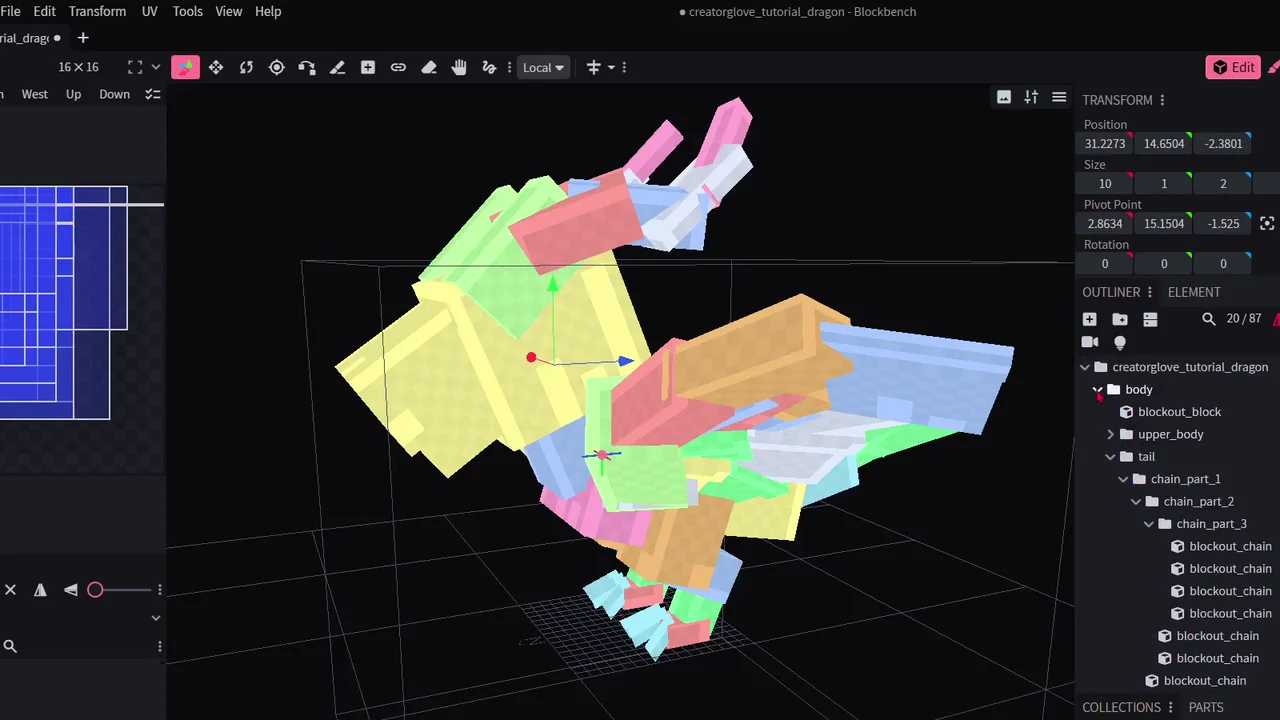
The viewport ghost and start circles adapt to accepted earlier cubes. Your model may differ slightly while preserving the intended silhouette.
- 3
Use the displayed controls
The compact input hints use your active Blockbench keymap. The guide waits for the real action before continuing.
02
Seven chapters
- 1
Body and Head
Fit the first cube, build the main volumes, and cut the snout.
- 2
Left Leg
Build a connected leg and foot while learning when Depth Center should be on or off.
- 3
Tail
Draw and tune a tapered Chain with four path points.
- 4
Left Wing
Create the wing frame, add its planes, pose it, save it as a Part, and mirror it.
- 5
Horns
Build one curved horn as a Chain, save it, and mirror the result.
- 6
Rigging
Name Groups, set pivots, and organize the hierarchy for later animation.
- 7
Finish
Compare the silhouette and keep the completed model for more practice.
03
You do not need an exact copy
The first body cube is deliberately strict because it anchors the rest of the guide. Later placement allows a fair amount of variation. The target follows what you accepted instead of forcing every cube onto hardcoded world coordinates.