
Handpainted Workflow
Available nowForm Gradient
Place the dark and light endpoints directly around the model.
Direct an exact-palette blockout or smooth finishing grade with two draggable points in 3D space.
7 min read
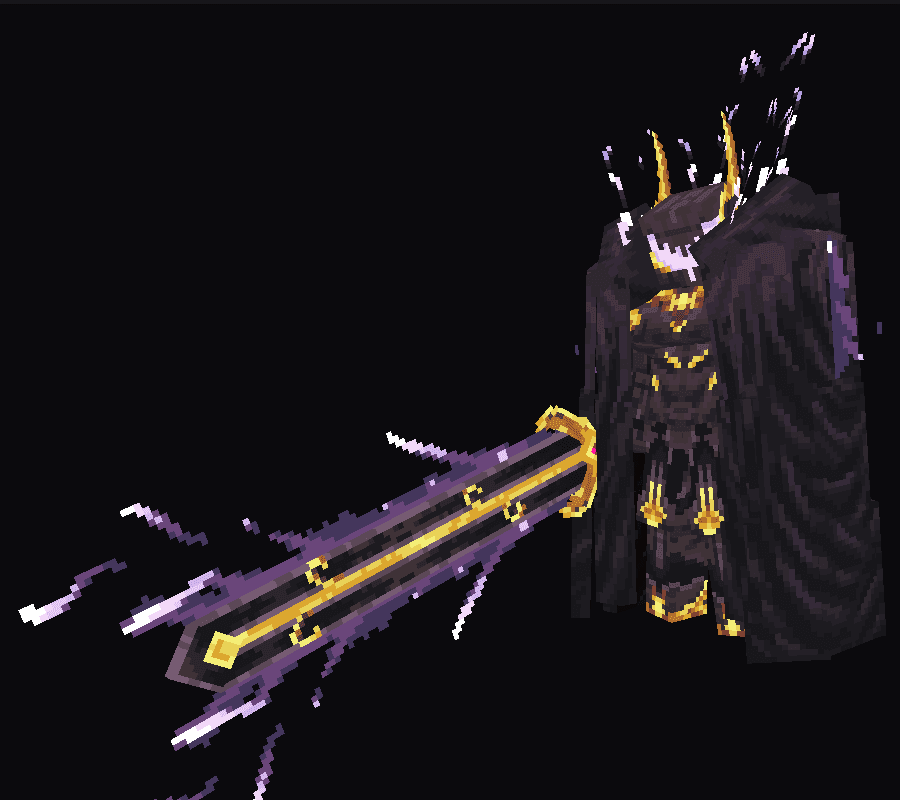
Before
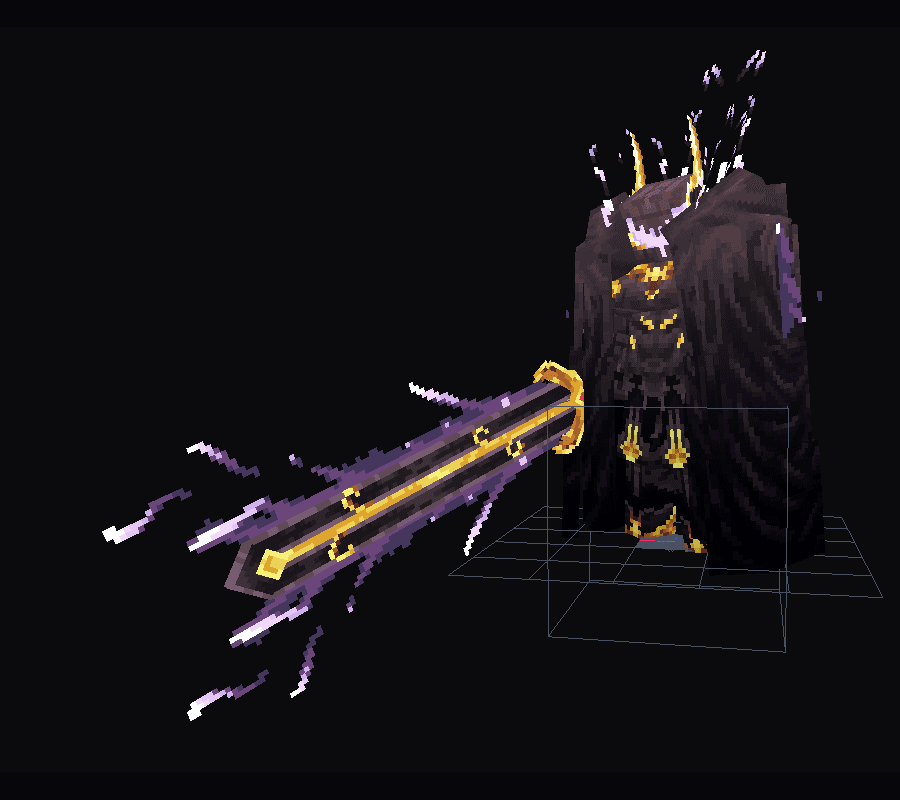
Applied
01
Prepare the palette
- 1
Choose 2 to 8 colors
Select Shade Brush and drag across the Palette colors you want this gradient to use.
- 2
Open Form Gradient
The dialog copies the selected range without changing the Shade Brush itself.
- 3
Reorder if needed
Drag colors, use the arrow controls, or Reverse the copied range.
02
Place the endpoints
- Drag the dark/start sphere and light/end sphere in the viewport.
- Hold Shift while dragging to snap all coordinates to Blockbench's 1-unit grid.
- Fit to Target resets both points around the current target.
- Swap Ends reverses the direction without moving the points.
03
Choose the workflow
- 1
Pixel Palette
Use exact selected palette entries for an early blockout. Element-Local Cuts usually keeps rotated block-built characters clearer.
- 2
Smooth Finish
Use a continuous final grade that can preserve local colors, affect value only, or apply a stronger wash.