
Download
Account > Library
Download the latest Creator Glove release.

Guided first project
Runs inside Blockbench
Install Creator Glove, open the guided project, and follow each modeling step in the viewport.
Quickstart
Account > Library
Download the latest Creator Glove release.
Plugins > Load Plugin from File
Choose the downloaded JavaScript plugin file.
Tools > Creator Glove > Manage Creator Glove
Open Manage Creator Glove License and activate this installation.
Tools > Creator Glove > Blockout Canvas
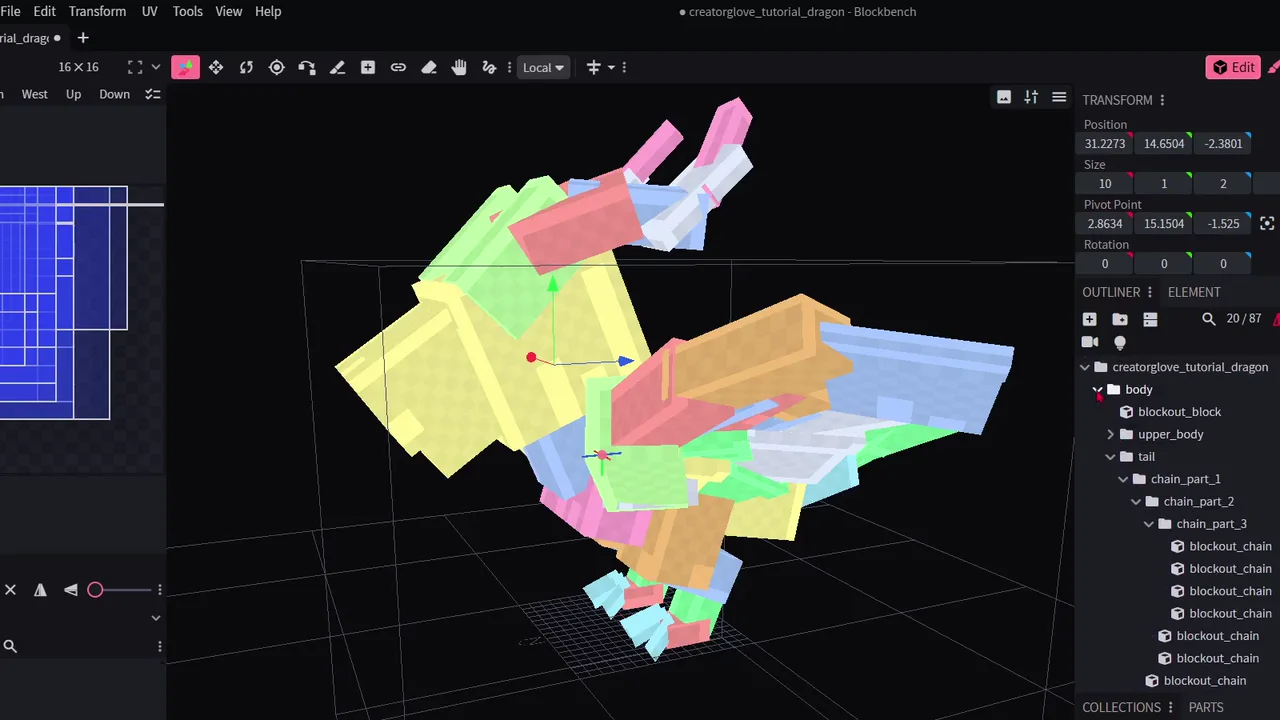
Choose Open Blockout Dragon Walkthrough.
Inside the walkthrough
Draw the first volumes
Shape the tail, wing, and horn
Pose connected forms
Save, flip, and reuse finished pieces
Ready in Blockbench
The walkthrough creates its own Blockout Canvas Dragon project. Your open projects stay available.