
01
Surface Presets
Lay down material rhythm.
Drag your own surface language across colors already painted on the model.

Creator Glove beta
Available now
Build the repeatable passes. Keep the artistic decisions.
Six painting passes
Your colors. Your final paint.
Surface Presets
Drag your own surface language across colors already painted on the model.
Edge Presets
Place highlights, chips, breaks, and seams along eligible geometry.
Shade Brush
Select an authored color range, then paint lighter or darker one step at a time.
Block Light
Place the viewport sun and build highlights and shadows from that direction.
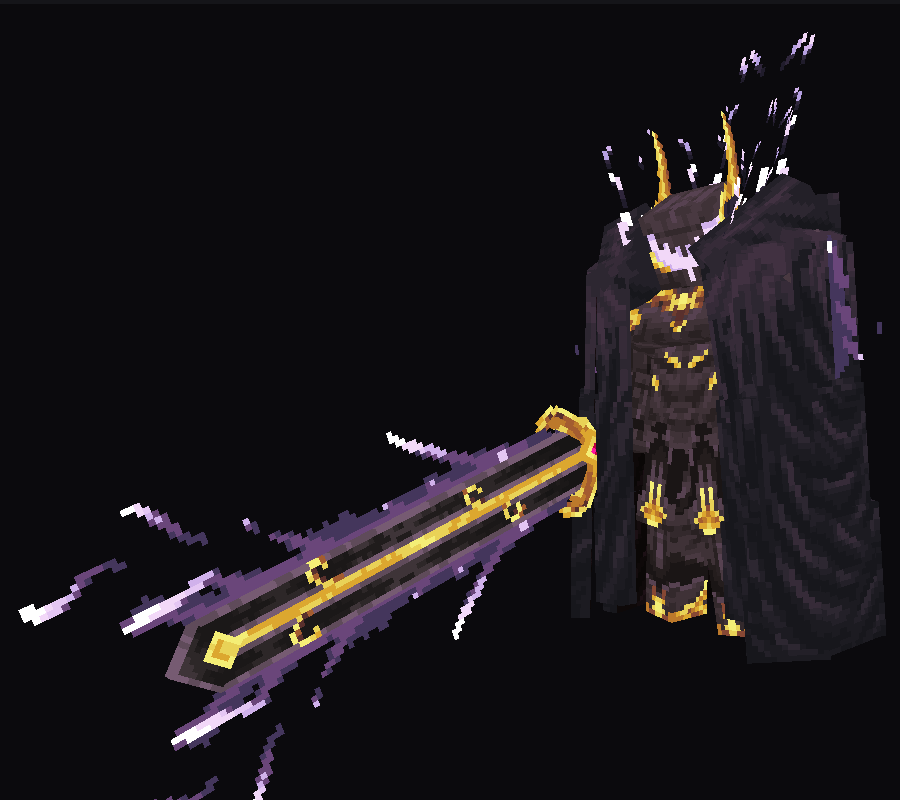 Before
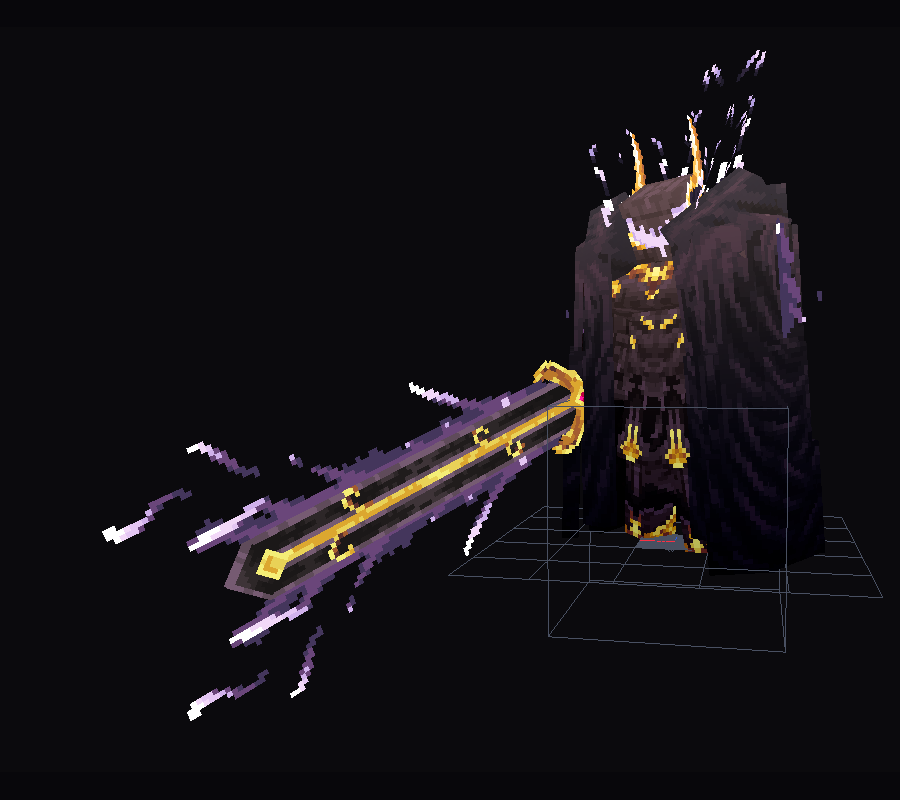 Applied
Form Gradient
Place two points and send an exact palette through model space.
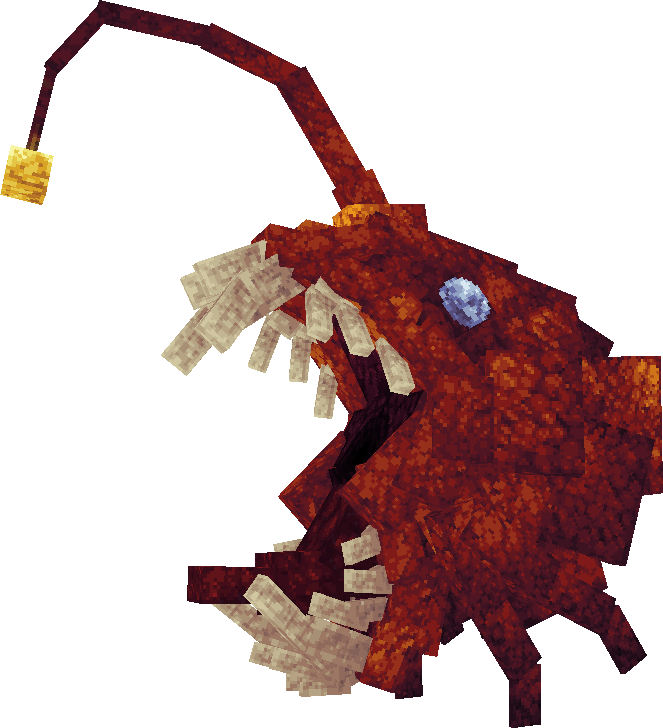 Plain
Plain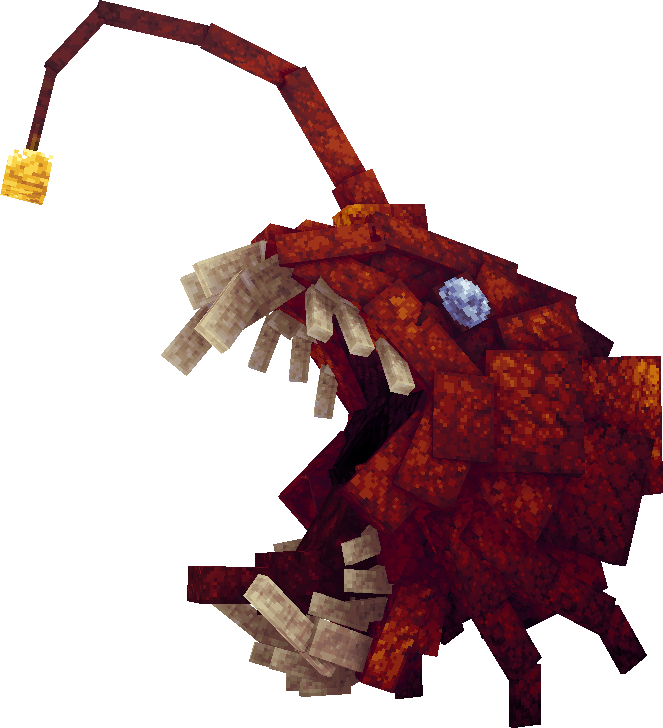 AO
AOAmbient Occlusion
Bake contact shading from visible geometry onto an editable layer.
A practical order
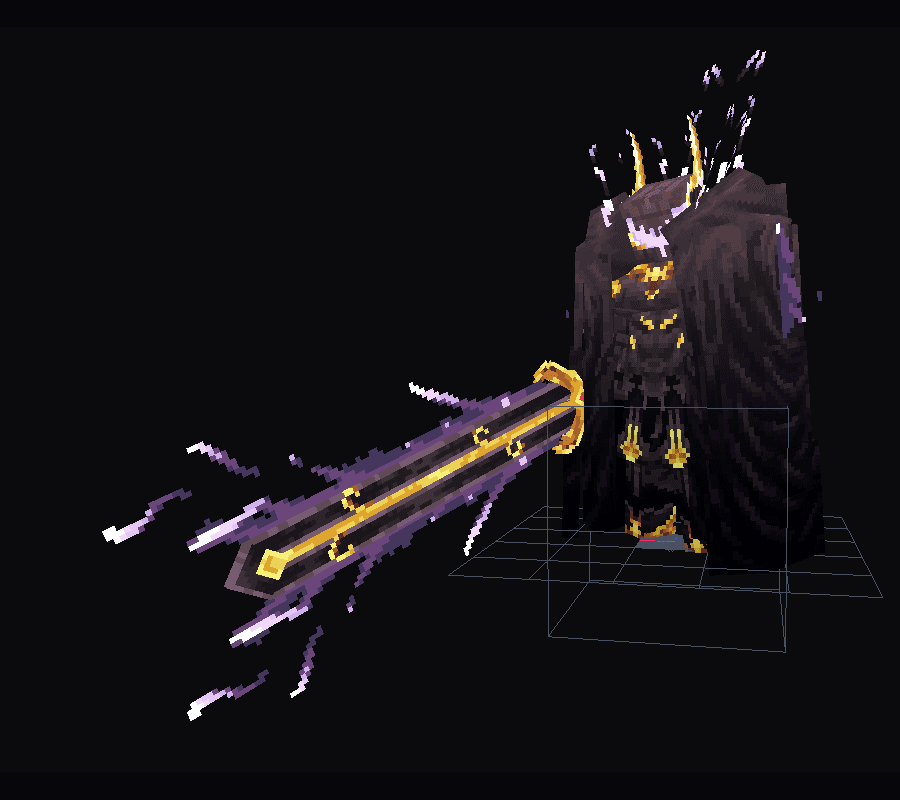
Model + palette
Shade + light + gradient
Surface + edges
Ambient occlusion
Paint by hand
Guided first project
Follow every pass in Blockbench
Open the walkthroughBefore you subscribe
No. You choose the model, palette, and final painting. The tools speed up repeatable passes.
No. Only preset source samples use those limits. Surface samples are 8x8, 16x16, or 32x32. Edge samples can be any rectangle up to 32x32.
No. Surface, Edge, and Block Light use the selected paint layer. Form Gradient and AO keep separate editable layers.
The tools are usable now. Onboarding and compatibility coverage are still improving, so start with the walkthrough.
Available now in beta
Handpainted Workflow is included with Creator Glove.