Setup that stays with you
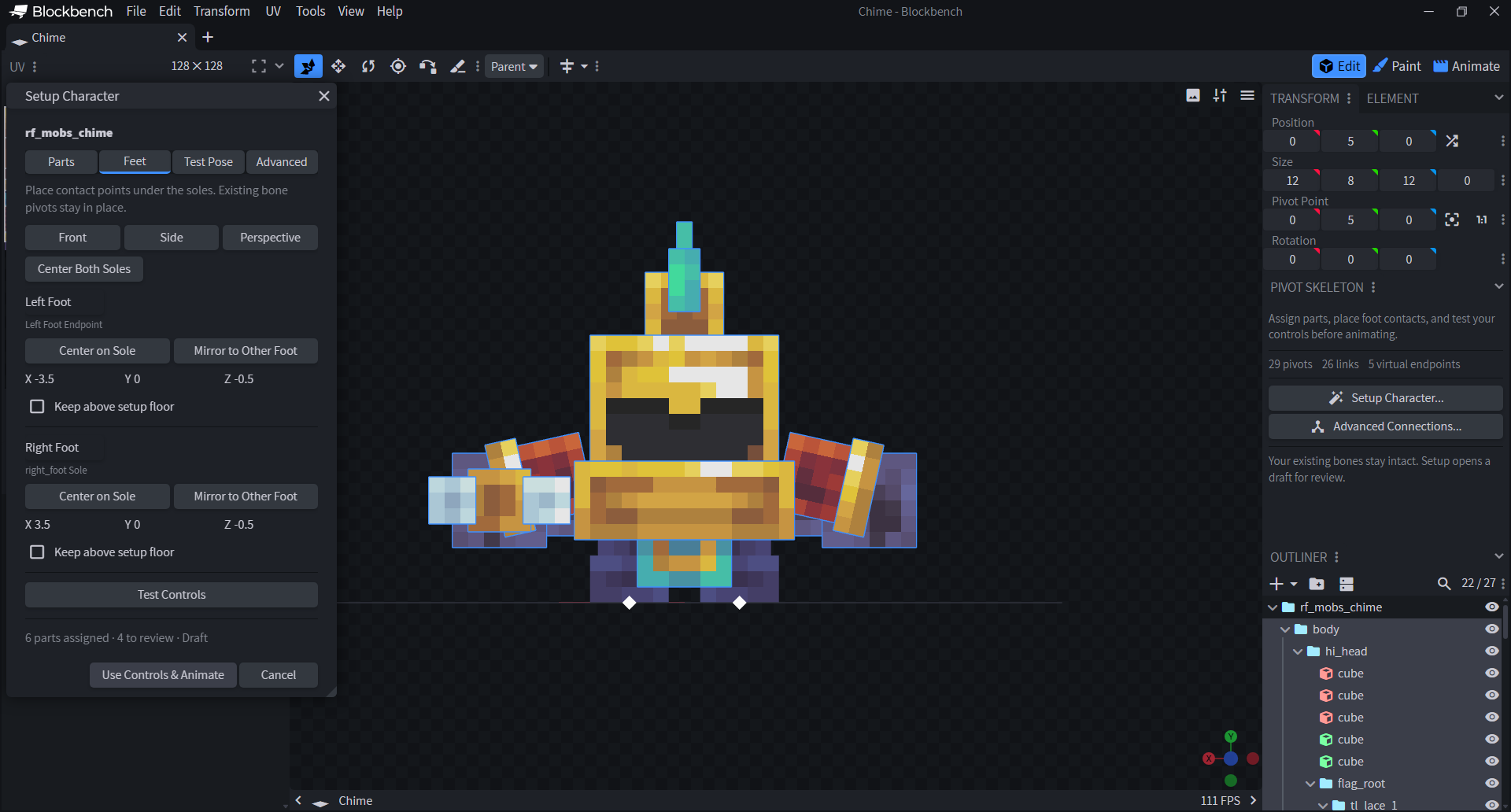
- +Parts, Feet, Test Pose and Advanced settings now share one Setup Character flow. Test your assignments in a temporary pose before applying them.
- OKCenter and mirror foot contacts, adjust their positions, and edit endpoints without getting stuck in connection mode. Existing bone pivots stay in place.
- OKReviewed part assignments are retained, and applied controls remain visible when you switch to Animate.
Cleaner posing
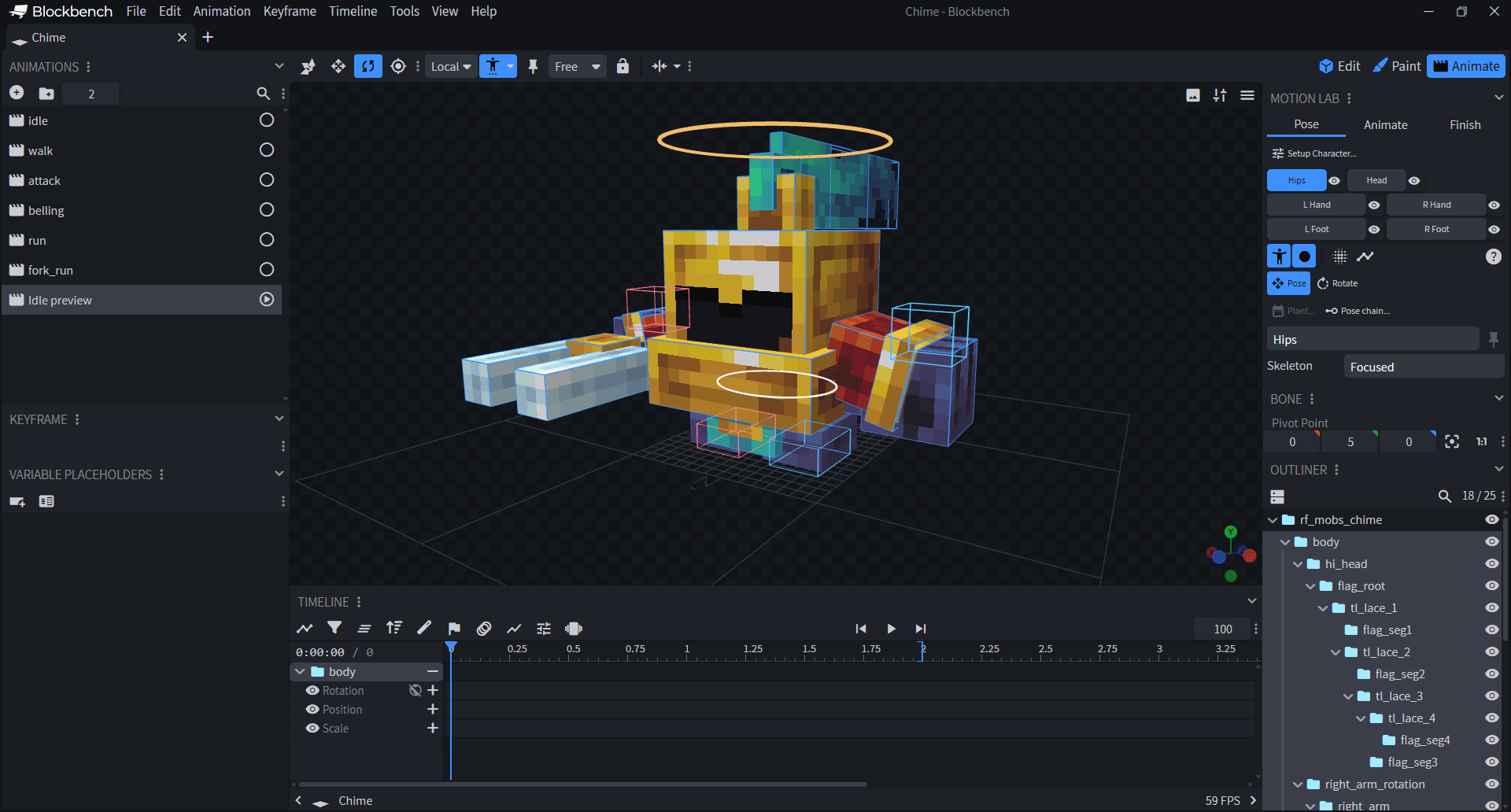
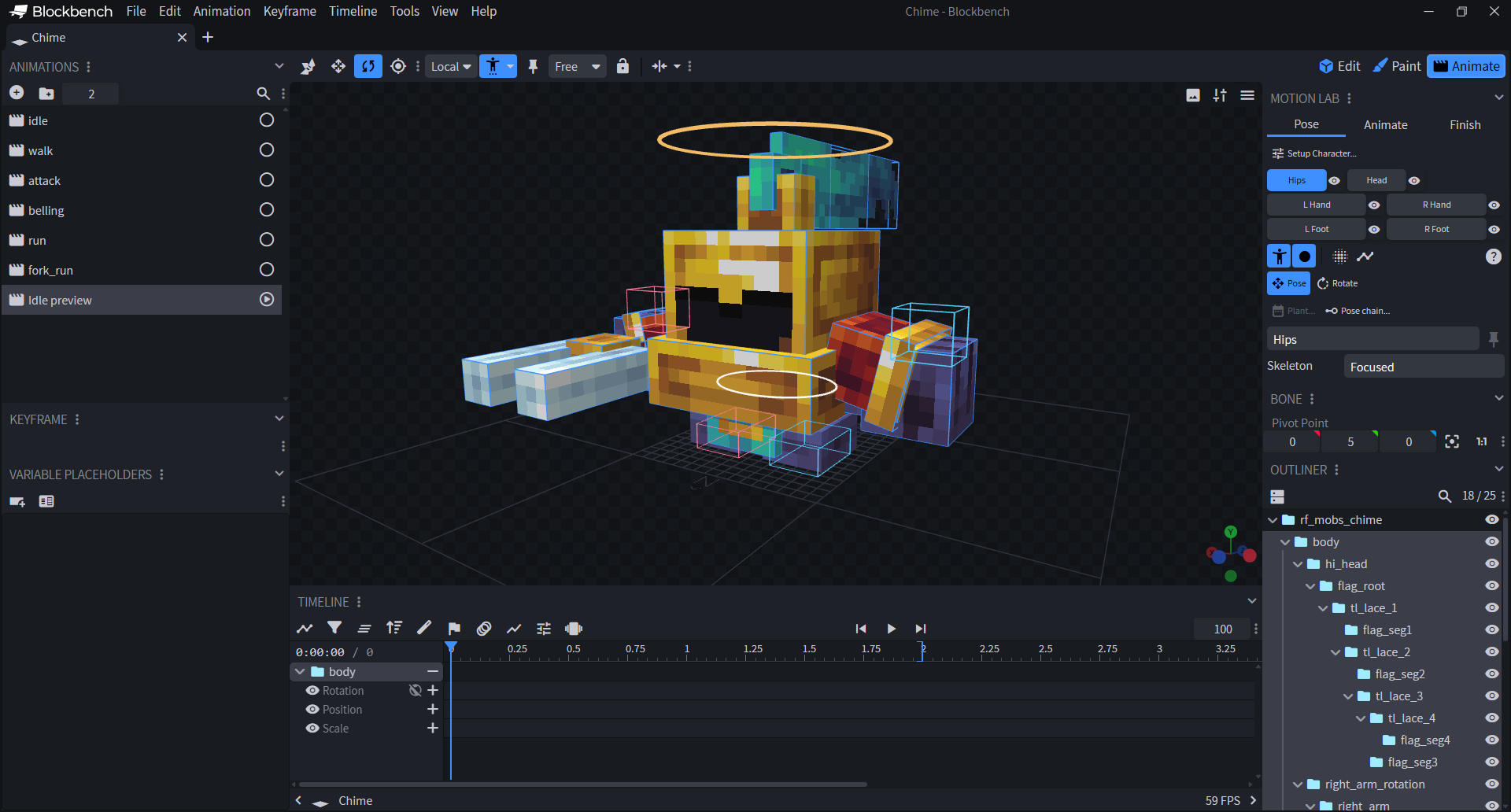
- OKFocused view hides internal pivot dots and links. Selecting the hips no longer piles extra rotation guides over the body control.
- OKDirect controls and Blockbench's native rotation tool work together. Hips assignments are preserved when setting up the chest.
Reuse your own animation
- +Save a local .rfanimation template, map its bones to another character and preview it before applying. Reviewed character parts help match the bones.
- ~Template transfer supports numeric keys on compatible local bone axes and rest poses. It is not general retargeting. Existing procedural presets remain available.
- ~Includes Motion Lab beta12. Handpainted Workflow and Blockout Canvas are unchanged. Language support remains partial; Render Studio is not included.