
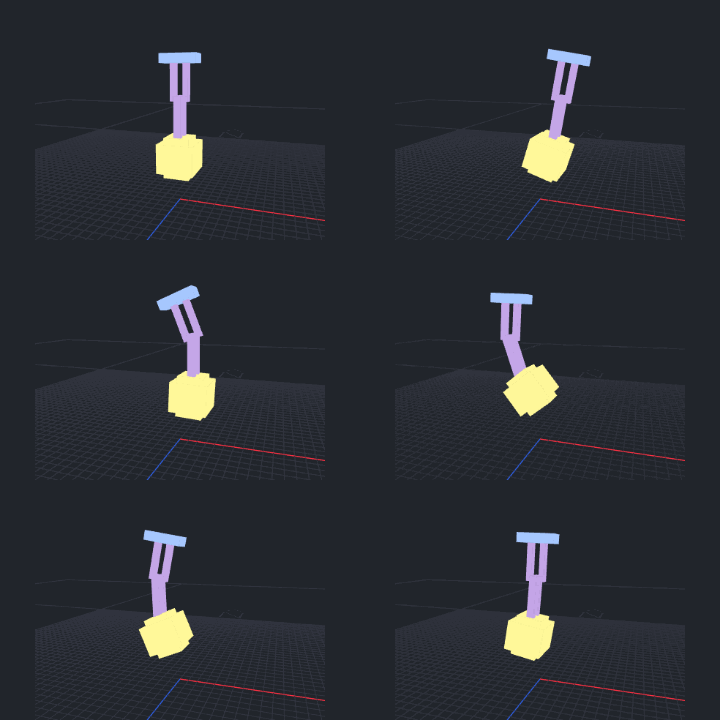
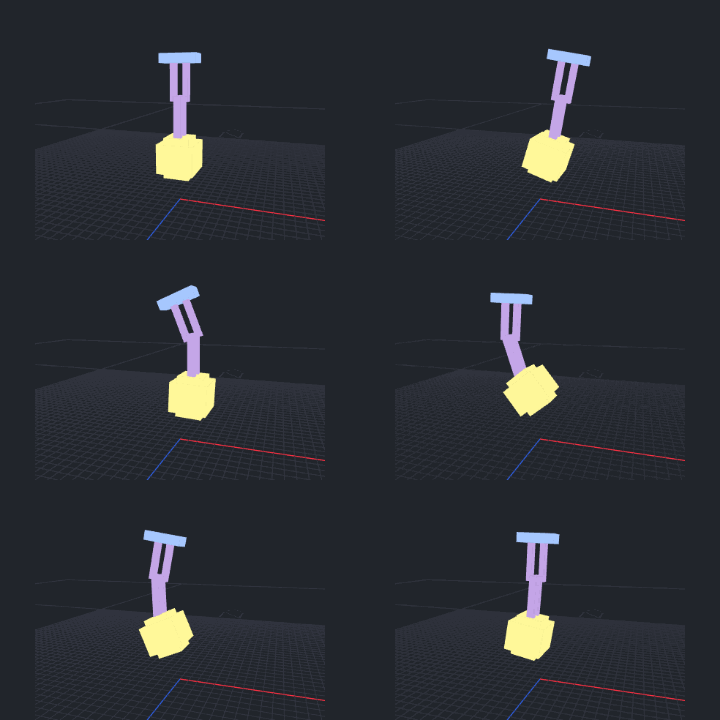
Give the chain tip weight
Select the driver in Edit mode. Open Motion Lab Rigging > Physics Setup, choose the chain end and enable Fine-tune Material. Raise End Load, animate the driver, then use Bake Physics to Keyframes.
Start with a wave or swing
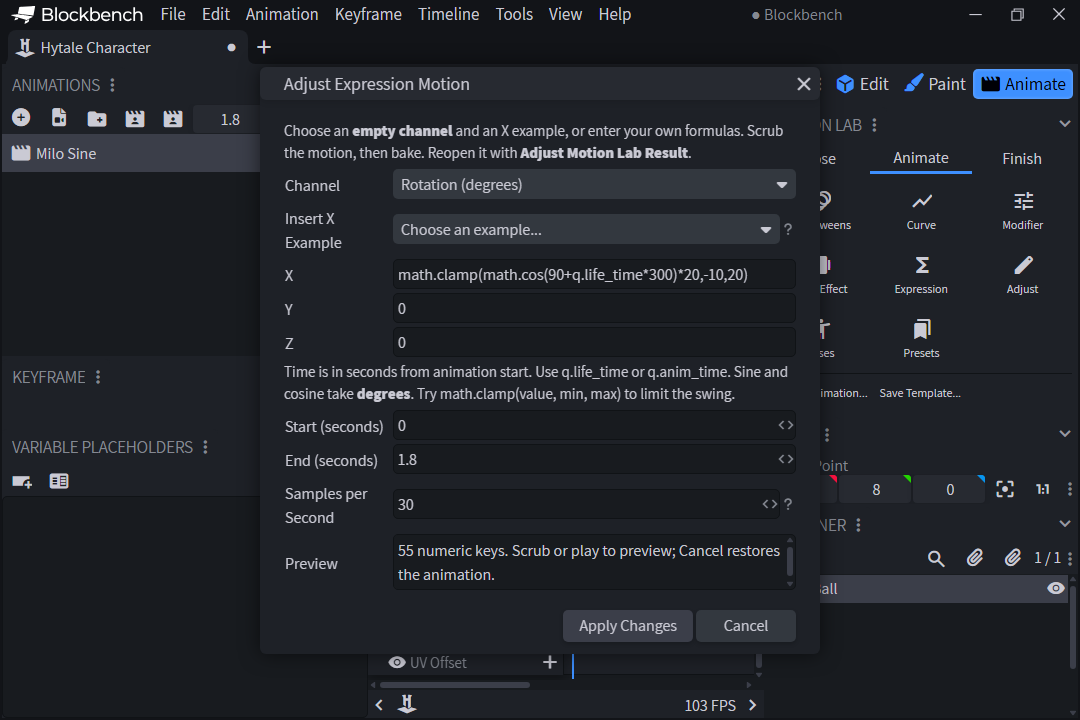
Select a Group, open the Animate tab in Motion Lab and choose Expression. Pick an empty transform channel. Insert a sine wave or a clamped swing on X, scrub to preview, then bake. Adjust Motion Lab Result reopens the formula.
Back up your model, install the update from your RuneFist account and restart Blockbench. Includes Motion Lab beta14.