
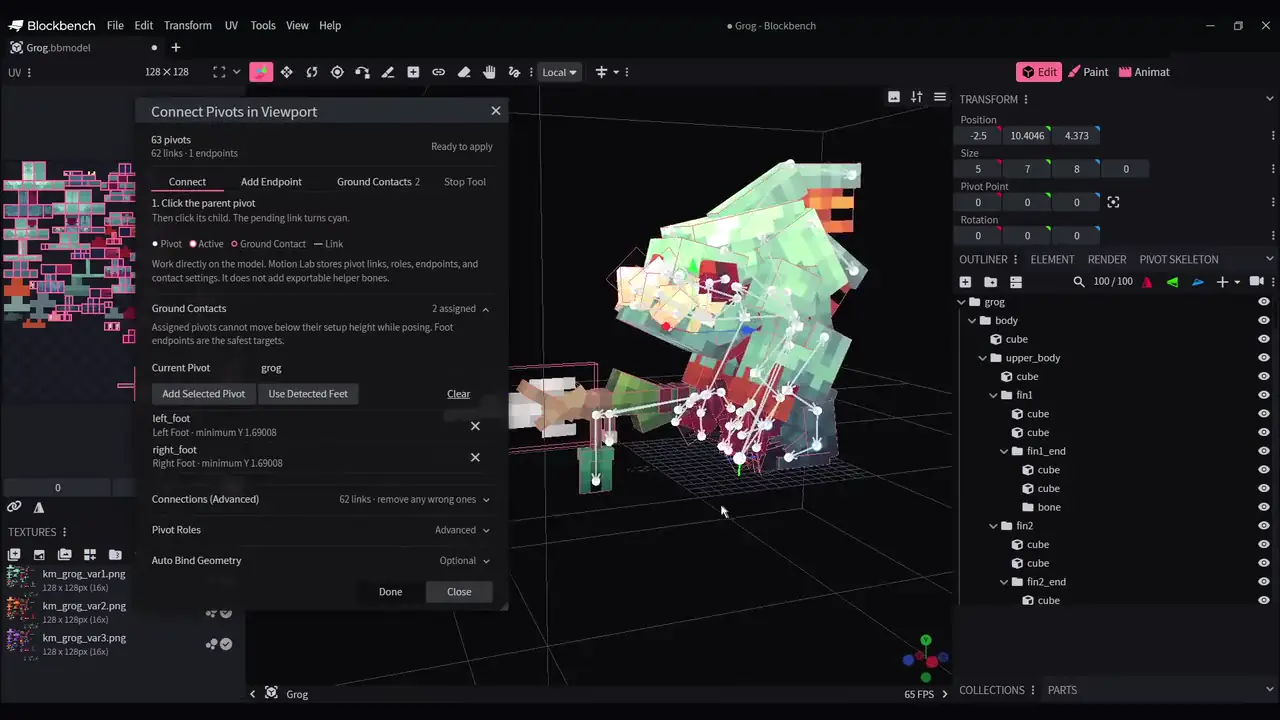
Endpoint deletion
- OKAutomatically detected virtual endpoints no longer return when you press Done, refresh the skeleton panel, or save and reopen the project.
- ~To remove an endpoint, open Connect in Viewport > Pivot Roles, select it, click the trash icon, then press Done. Close cancels the edit.
- ~Undo and Redo remain available. You do not need to delete actual bones or rebuild the model. Running Auto Setup explicitly can regenerate detected endpoints.
Included
- ~Creator Glove beta34 includes Motion Lab beta8 and all beta33 fixes, including adjustable Ground Y and physics on longer animated chains. Other tools are unchanged.