

What you need

RuneFist Engine + ModelEngine
The engine is free. ModelEngine is its required plugin dependency. MythicMobs, Nexo and ItemsAdder are not required.

A RuneFist content product
Install mobs such as Dendroid separately. Installing the engine alone does not add those mobs to your world.
Keep these in mind
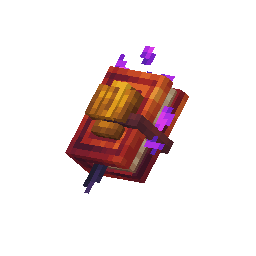
One tome for everything
Your RuneFist Tome shows nearby gangs across all installed mob products. You do not need a separate tome for each mob.

Save before leaving
Spawning, area, combat and sound changes share one gang draft. Drops have a separate Save button.

Preview is not a gang
A preview lets you inspect a mob. A saved gang maintains a population and can award your configured drops.

Players need the resource pack
A running server alone does not mean the models have loaded on the client. Configure delivery and check Client Results.
What this manual covers
The current Mob workflow: installed products, previews, gangs, variants, combat, sounds and drops. Bosses, pets and mounts are planned sections, not documented here as finished systems.
Install the engine and your first product →