
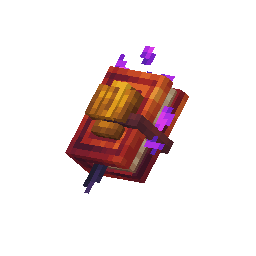
Tome controls
| Action | What happens |
|---|---|
| Hold the tome | Shows nearby gang heads, population labels and boundary particles. |
| Right-click clear ground | Choose a mob and open a new gang draft at that location. |
| Right-click a gang head | Open that gang for editing. |
| Left-click a gang head | Select the gang. |
| Sneak + right-click ground | Move the selected gang within the same world. Save to confirm the new location. |
| Right-click the air | Resume a pending draft, or open the engine hub. |
Read the markers

A flag for each gang
Each saved gang gets a flag color. Its ground boundary and head-to-ground particles use that color too.

View Boundary
Use this button to leave the menu and inspect the draft area. Reopen it with the tome to continue editing.
Finish or cancel
Click Save to keep a new gang or a move. Cancel leaves the saved world setup unchanged. Putting the tome away does not save a draft.
Create your first gang →